Beginner
Essential Task Lighting Setup
Task lighting supplements ambient light to illuminate your work area without creating glare
on screens. Position lamps to the side of your dominant hand, approximately 15-20 inches
from your work surface. Avoid placing lights directly behind your monitor, which creates
screen reflections and eye strain.
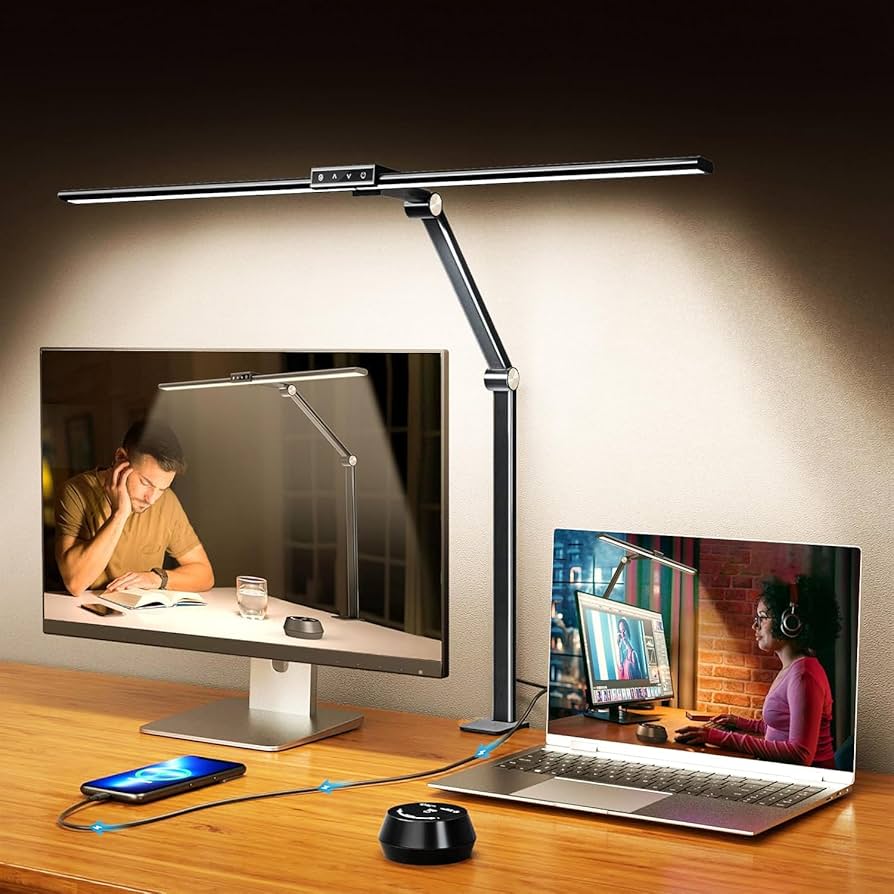
LED desk lamps offer adjustable brightness and color temperature. Look for models with
dimming capabilities and color ranges from warm (3000K) to cool (6500K) light. Adjust
intensity based on ambient light conditions and visual comfort throughout the day.
Advanced
Monitor Light Bars Explained
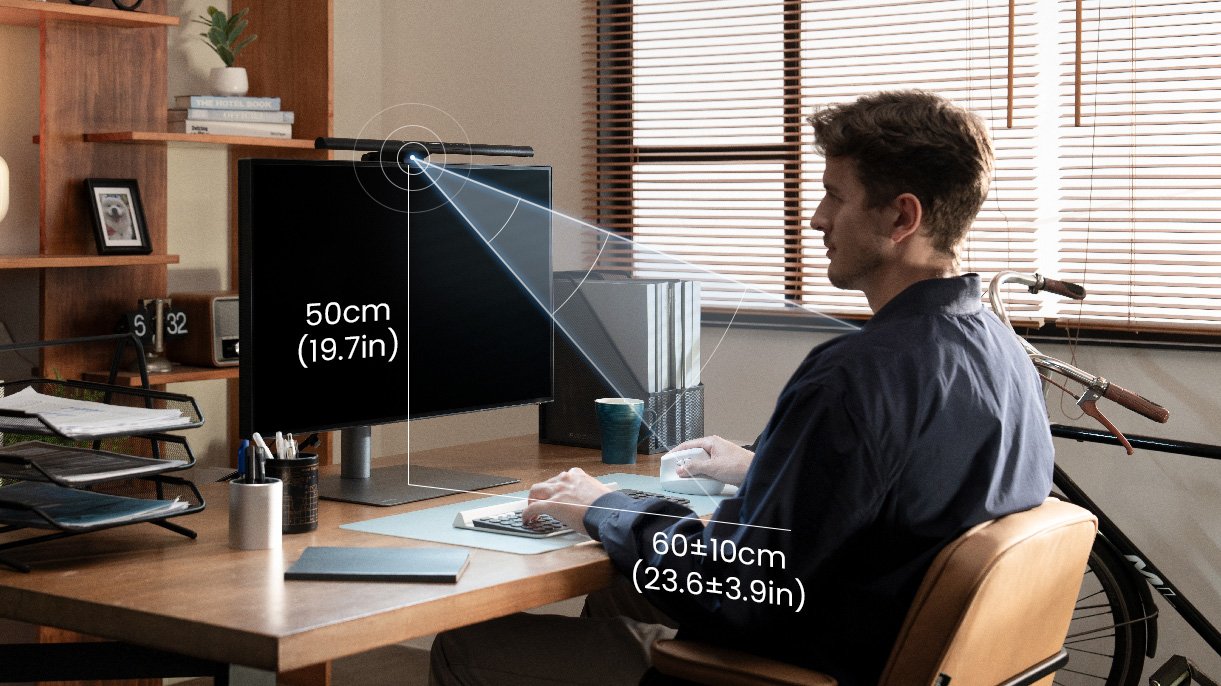
Monitor light bars attach to the top of your screen, providing downward-facing illumination
that eliminates shadows without creating monitor glare. They create even lighting across
your workspace while maintaining screen visibility. The asymmetric light design directs
illumination toward your desk rather than your face or screen.
Quality light bars offer adjustable brightness and color temperature, with some models
including ambient light sensors that automatically adjust output based on room conditions.
They're particularly effective for dual monitor setups, providing consistent lighting
without requiring multiple desk lamps.
Beginner
Color Temperature for Focus
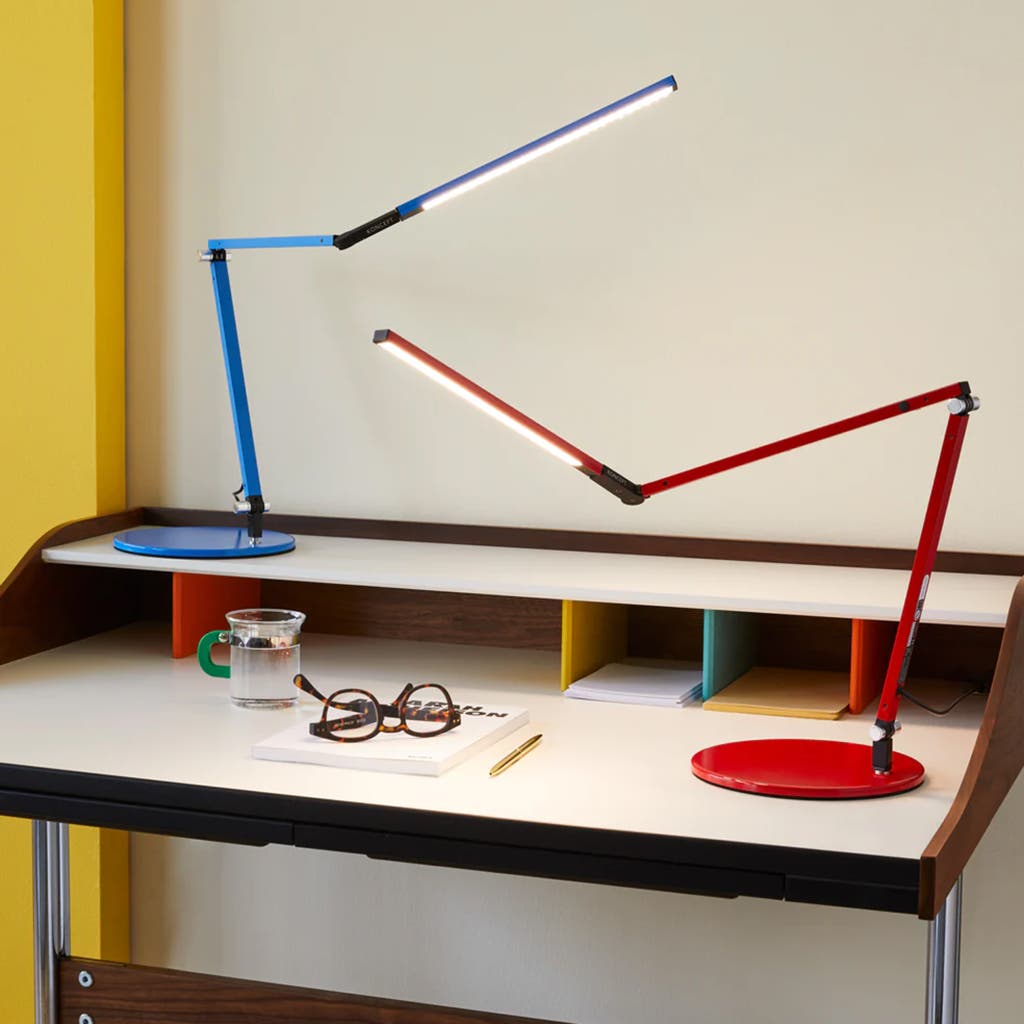
Color temperature affects alertness, mood, and eye comfort. Cool white light (5000-6500K)
promotes alertness and is ideal for morning tasks, while warm white light (2700-3000K)
creates a relaxing atmosphere for afternoon work. Mid-range temperatures (4000-4500K)
provide neutral illumination suitable for most tasks.
Consider circadian rhythm when setting color temperature. Warmer light in the evening
helps prepare your body for rest, while cooler light in the morning can help you feel
more alert. Many modern LED lights allow you to adjust color temperature throughout
the day to match your natural energy cycles.
Quick Fix
Quick Glare Assessment
Identify problematic glare by looking at your screen at different angles. If you see
bright reflections or have difficulty reading text due to screen brightness, you have
glare issues. Try adjusting monitor position relative to windows, changing lamp placement,
or using anti-glare screen filters.
The 45-degree rule suggests positioning lights at 45-degree angles to your work surface,
rather than directly overhead or behind your screen. This angle provides even illumination
while minimizing direct reflections. Use this principle when positioning both natural
and artificial light sources.
Advanced
Smart Lighting Integration
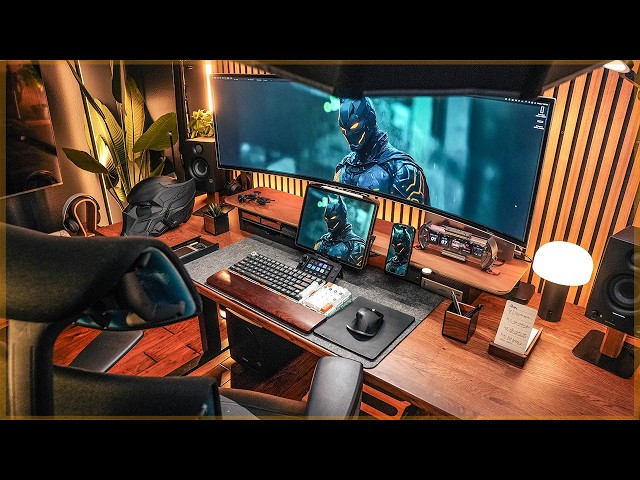
Smart lighting systems can automatically adjust throughout the day to match natural light
cycles and your work schedule. Programmable LED strips under cabinets provide indirect
lighting that reduces contrast between bright screens and dark surroundings. These systems
can be controlled via smartphone apps or voice commands.
Consider circadian lighting that automatically shifts color temperature throughout the day.
Some systems include motion sensors that activate lights when you approach your workspace.
Integration with home automation systems allows lighting to coordinate with other smart
devices for a seamless work environment.
Beginner
Layering Light Sources
Effective workspace lighting uses multiple sources to create balanced illumination.
Combine ambient lighting (general room illumination), task lighting (direct work area),
and accent lighting (visual interest) for optimal comfort. This layered approach reduces
eye strain and creates a more inviting work environment.
Avoid relying on a single bright light source, which creates harsh shadows and glare.
Use dimmable lights to adjust intensity based on time of day and task requirements.
The goal is even, comfortable lighting that illuminates your work without causing
visual fatigue.
Advanced
Natural Light Optimization
Maximize benefits of natural light while minimizing drawbacks. Position your workspace
perpendicular to windows rather than directly facing them, which reduces screen glare
and harsh contrast. Sheer curtains diffuse direct sunlight, while adjustable blinds
allow control over light intensity throughout the day.
North-facing windows provide consistent, soft natural light ideal for computer work.
South-facing windows offer strong light that requires careful management to prevent
overheating and screen glare. East-facing windows provide gentle morning light, while
west-facing windows need strong management during afternoon hours.
Quick Fix
Screen Reflection Solutions
Reduce screen reflections by positioning light sources to the side rather than behind
your monitor. If you must place lights behind screens, use diffused lighting that
doesn't create bright reflections. Matte screen filters can significantly reduce
reflections on glossy monitors.
Anti-reflective coatings on monitors help, but proper lighting placement is more
effective. Avoid overhead fluorescent lights when working with screens, as they create
multiple reflection points. If office overhead lighting is unavoidable, position your
monitor perpendicular to the light source.
Beginner
Lighting for Different Tasks
Adjust lighting based on your specific work activities. Reading documents requires more
focused task lighting than computer work. Video calls benefit from front-facing lighting
that illuminates your face evenly. Detailed work like note-taking or drawing needs
bright, shadow-free illumination.
Different tasks may require different color temperatures as well. Cooler light (5000K+)
enhances contrast for detail work, while warmer light (3000K) is better for relaxation
and reading. Having multiple adjustable light sources allows you to optimize illumination
for each specific task.